Talking Photos AI
Give a still portrait some movement.
You have a still photo and want a short video that can speak or look like it talks. An ai talking photo workflow needs both motion and speech. HypeMorph can help with the motion: upload a portrait and use Living Portrait to make a short animated clip.
Animate a portrait with Living Portrait to make a short, silent clip. Use a separate tool for speech and lip sync. Clips run for five or ten seconds. Portrait motion does not guarantee speaking mouth movements.
What you can make from a still photo
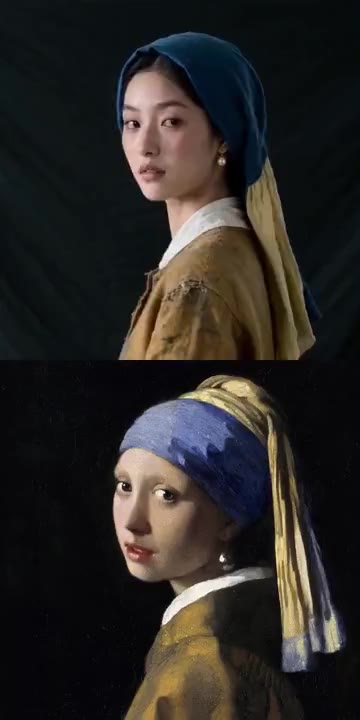
Living Portrait aims for a subtle smile and gentle hair movement in soft light. It is a way to give a static image some expression for a short visual introduction or a moving portrait. It does not turn written words into a speaking performance.
How to animate your portrait
Start with one photo and review the motion before using the clip.
Choose a clear portrait
Upload a JPG, PNG or WebP image up to 4 MB. Use a well-lit photo with one visible face and space around the subject. Only upload material you have permission to use.
Keep Living Portrait selected
The generator below starts in image mode with Living Portrait. This effect is intended for subtle portrait motion. Generation depends on model availability.
Review and download
Check the finished clip in your studio. If you need speech, continue in a separate tool that supports audio and lip sync. Adding a voiceover alone does not synchronize the mouth.
Choose a photo that leaves room for movement
A clear face and simple framing give the portrait effect a more useful starting point.
Light and framing
Use a sharp, front-facing or slightly turned portrait with even light. Leave space around the head and shoulders rather than cropping tightly against the face.
Check the result
Blur, deep shadows and multiple faces can make motion less predictable. Review the eyes, mouth and outline of the face before sharing the clip.
Talking photos and photo to video AI
A talking photo usually implies speech matched to a face. Photo to video AI is broader: it animates a source photo with camera or portrait motion. HypeMorph currently offers the motion workflow here. Use Living Portrait for a silent portrait clip, and choose a dedicated lip-sync tool when the person must deliver specific words.
Explore AI video effectsPhoto effects available in the image workflow
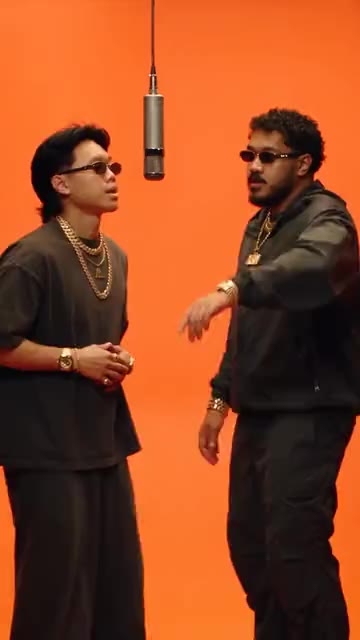
All effectsLiving Portrait is the closest fit for a portrait. Other effects change the camera, lighting or scene motion. Hotel Lobby can generate original rap audio when that effect is available.
Talking photo questions
Can my photo speak a script here?
No. This generator produces short, silent videos. It has no script, voice recording or lip-sync input.
Will Living Portrait make the mouth talk?
It can add subtle portrait expression, but it does not guarantee speaking mouth movements or match them to audio.
Can I add a voiceover later?
Yes, in a separate editor. A voiceover adds sound, but matching the lips to that sound requires a tool that explicitly supports lip sync.
Where do I find the finished clip?
Finished clips appear in your studio for review and download. A confirmed generation failure returns the reserved credits; unresolved requests remain visible with their status.
Start with the portrait you want to animate.