
HypeMorph publishes this comparison and is included below. We compared documented workflows and input requirements. Linked vendor guides show their own interfaces and examples.
Compare the six workflows
| Tool | Use it for | What you supply | What to check |
|---|---|---|---|
| HypeMorph | Preset camera effects | One photo | Preview the effect and review the credit quote before generating. |
| Runway | Prompted camera movement | One image and a motion prompt | Describe the camera movement and subject motion separately. |
| Luma Dream Machine | Transitions between two compositions | Start and end frames | Check whether the subject stays recognizable between keyframes. |
| CapCut | Cutting between existing clips | Two clips on a timeline | Adjust the transition timing to the cut or beat. |
| Hedra | Speaking portraits | Portrait and speech or audio | Listen for lip-sync drift and watch the face at the end of the clip. |
| Captions | UGC-style product ads | Product hook and script | Verify the product claims, delivery and on-screen captions. |
For camera moves and transitions
Use the Earth Zoom preset for a pullback from one photo. For a custom move in Runway, start with a simple prompt such as “The camera slowly arcs right while the subject holds their pose.” If the opening and closing compositions need to match your edit, set both frames in Luma. Use CapCut when the transition only needs to join clips you already have.
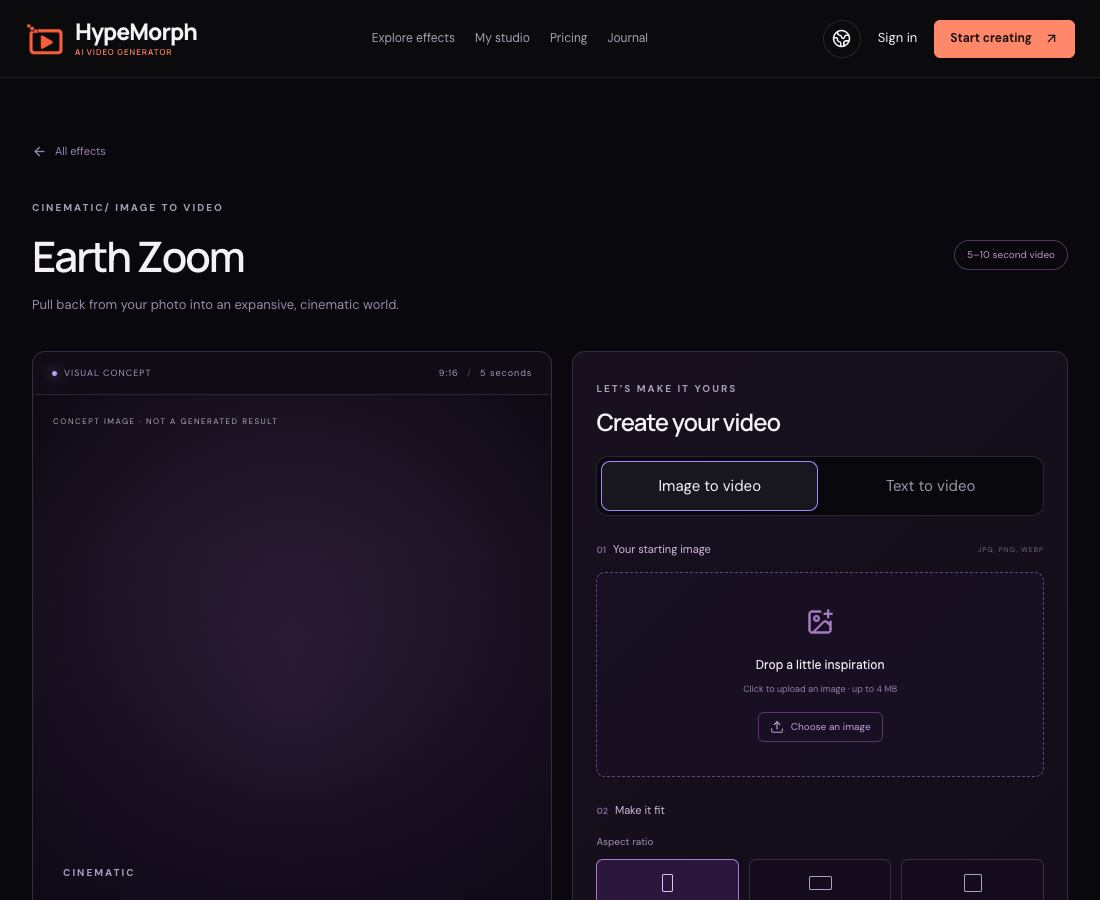
HypeMorph’s Earth Zoom tool and its generation settings.
For portraits and speaking characters
For a portrait that only needs motion, start with a sharp, well-lit photo in the photo to video AI generator. For spoken dialogue, try Hedra with a front-facing portrait and clean audio. Review the mouth, eyes and head position across the entire clip.

Still from the HypeMorph Living Portrait effect preview.
For UGC-style product videos
Use Captions when you need a hook, a presenter and a call to action. Use CapCut to edit footage from a real creator. For either workflow, check that the video shows the actual product accurately and that any testimonial claims are supported.
When Higgsfield is still a good fit
Start with Higgsfield’s camera controls if your brief calls for a specific preset you already know. To compare tools, use the same source photo, target aspect ratio and one intended camera move. Look at the first and final frames and compare the cost of a usable take.